| Version 1 (modified by , 18 years ago) (diff) |
|---|
Screenshots
CortUI installer

Lobby screen (optional)
Hangar screen (optional)
Map screen (optional)
Loadout screen
HUDs
The following HUDs can be selected in the CortUI installer. In CortUI 1.x, only exactly one regular HUD (Classic CortUI, lessHUD or JelloShot) and one 'software' HUD (regular, regular with targeting view, Raveen-style, Parci-style) can be selected. Switching to another HUD requires a reinstallation of CortUI or a manual modification of the CortUI configuration file.
This is due to how these HUDs are integrated into Allegiance and will hopefully change for the 2.x releases.
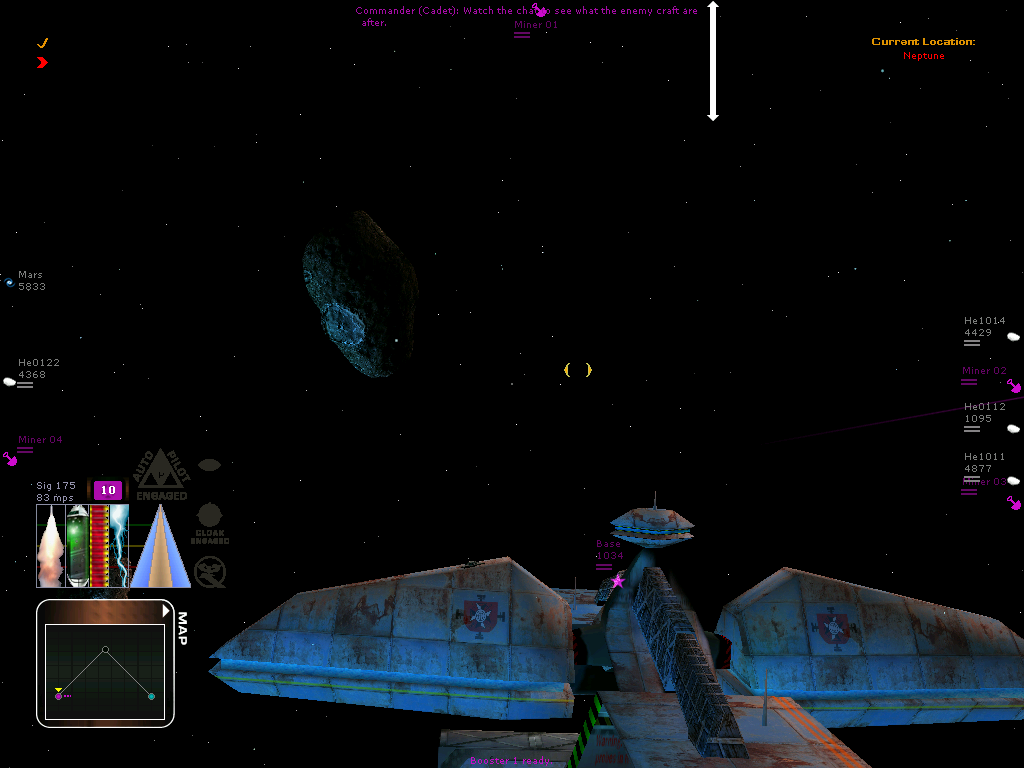
Classic CortUI
More Information about Classic CortUI can be found on the page HudClassicCortui?.
lessHUD
More Information about lessHUD can be found on the page HudLessHud.
JelloShot
More Information about JelloShot can be found on the page HudJelloShot.
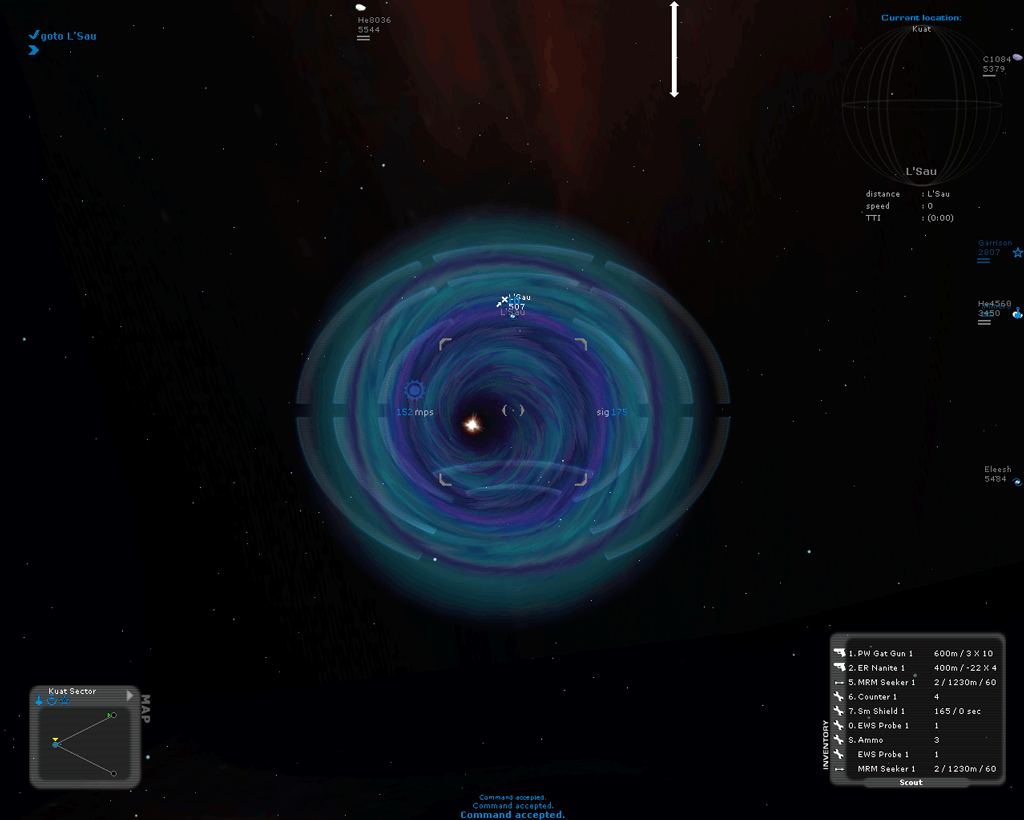
Software HUD with targeting view
This is a very simple modification that takes the stock software HUD of Allegiance and adds the targeting view of the regular HUD.
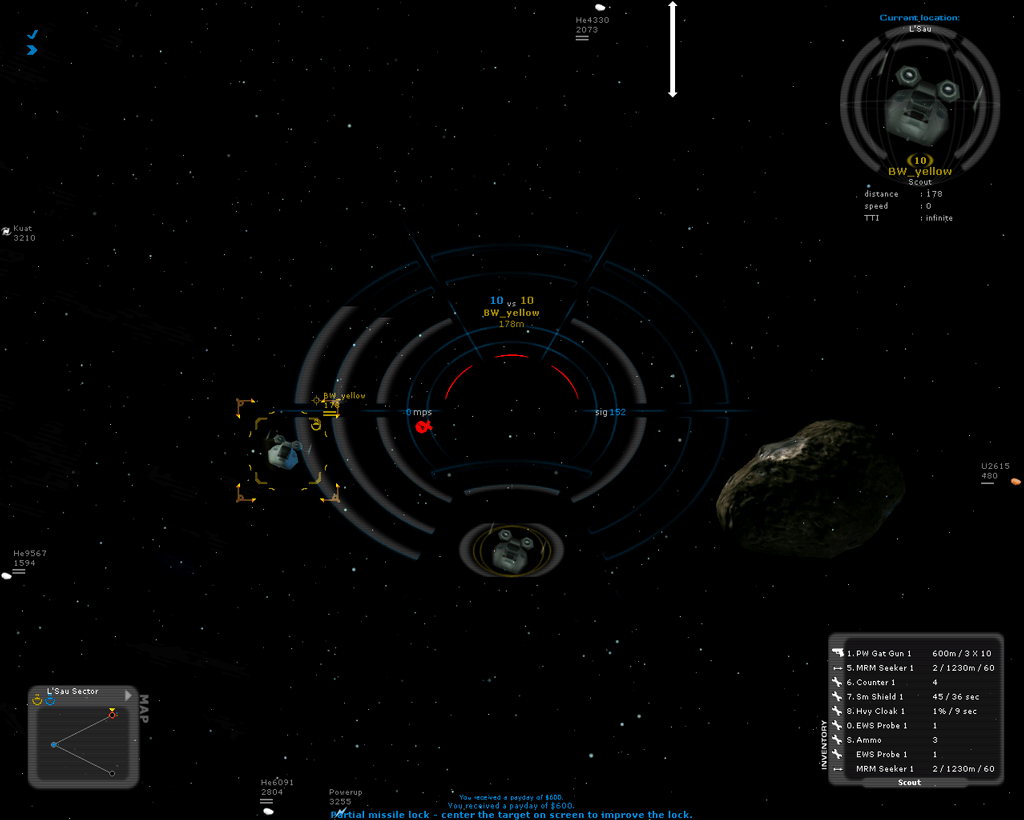
Modified software HUD, Raveen-style
More Information about the modified software HUD, Raveen-style, can be found on the page HudRaveenStyle.
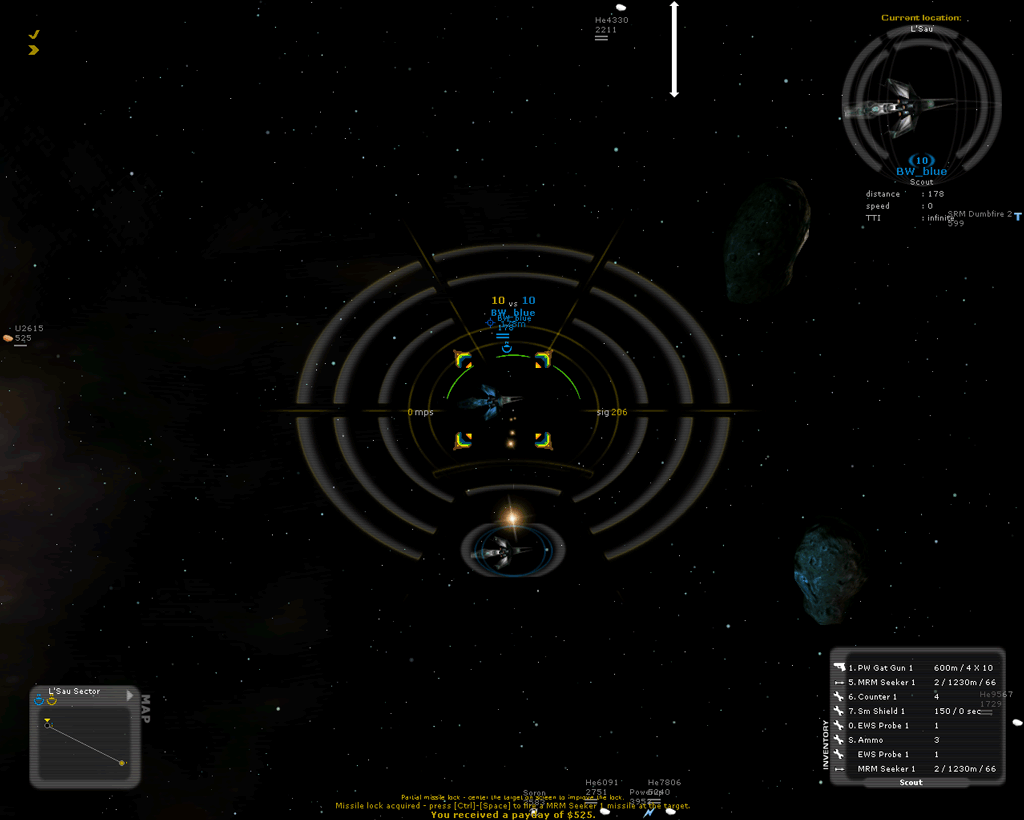
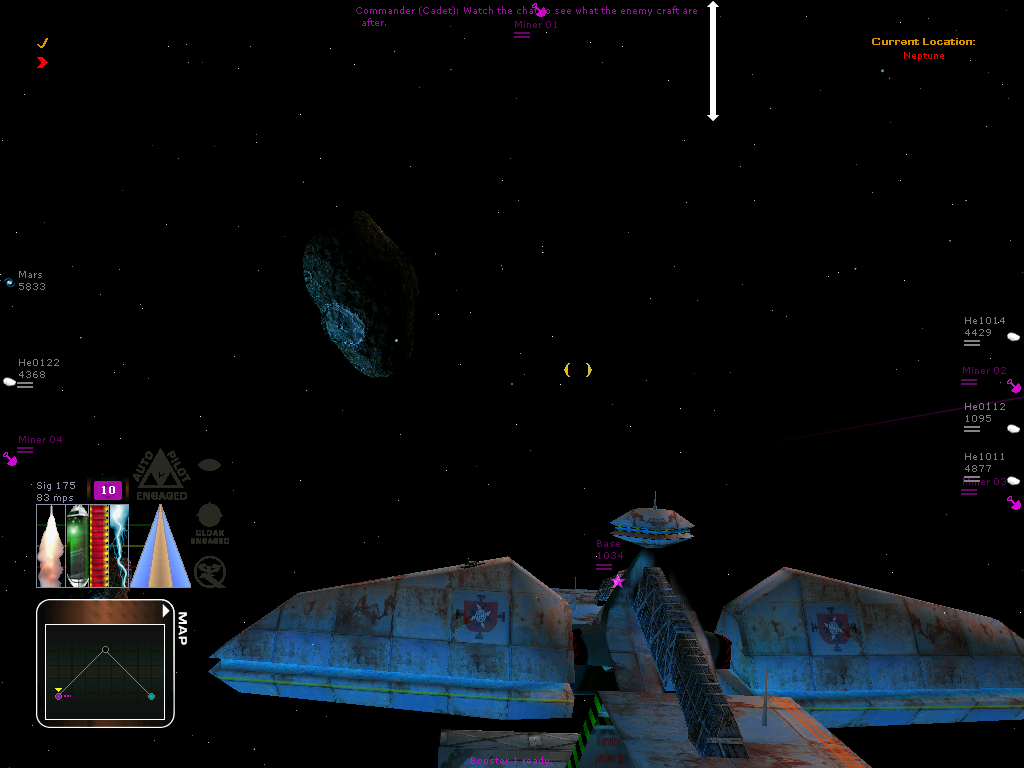
Modified software HUD, Parci-style
More Information about the modified software HUD, Parci-style can be found on the page HudParciStyle.
Attachments (5)
- ParciHUD 1.png (189.7 KB) - added by 18 years ago.
- GlassHUD_demo_damaged.png (72.4 KB) - added by 15 years ago.
-
GlassHUD_demo_overall.png (86.4 KB) - added by 15 years ago.
GlassHUD demo overview
-
GlassHUD_demo_uneyed.png (124.7 KB) - added by 15 years ago.
uneyed blue team
-
ParciHUD_1.png (189.7 KB) - added by 15 years ago.
Screenshot of the Parci style Software HUD
Download all attachments as: .zip