| Version 16 (modified by , 10 years ago) (diff) |
|---|
Screenshots
Lobby screen
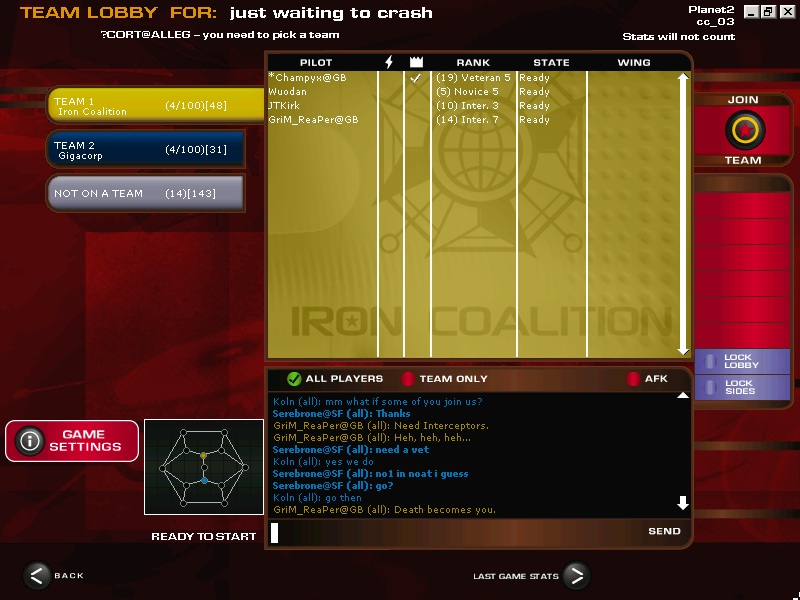
The modified lobby screen shows ten lines of chat and the AllegSkill team ratings no longer run out of the box. (currently unavailable)
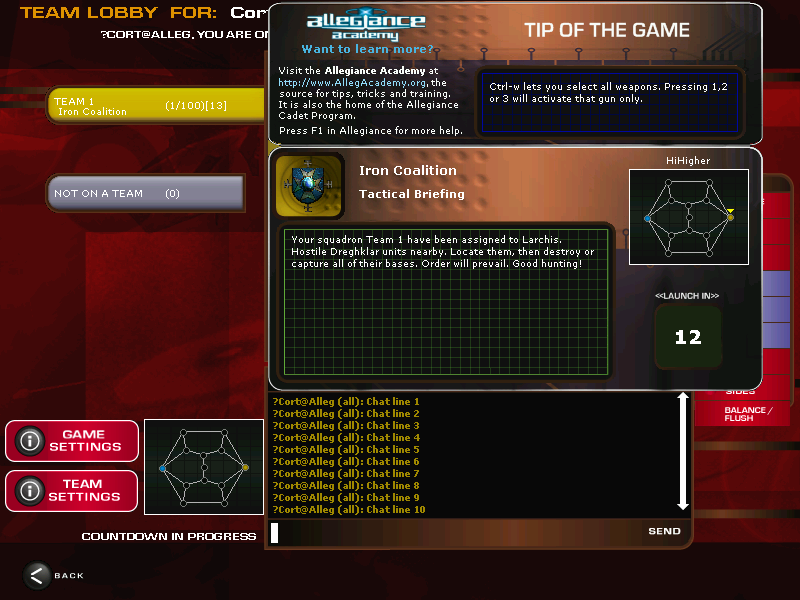
When the game is launching, the mission briefing is moved to the side, so the chat is still visible. Additionally, some typos in the hints have been fixed. (currently unavailable)
Hangar screen
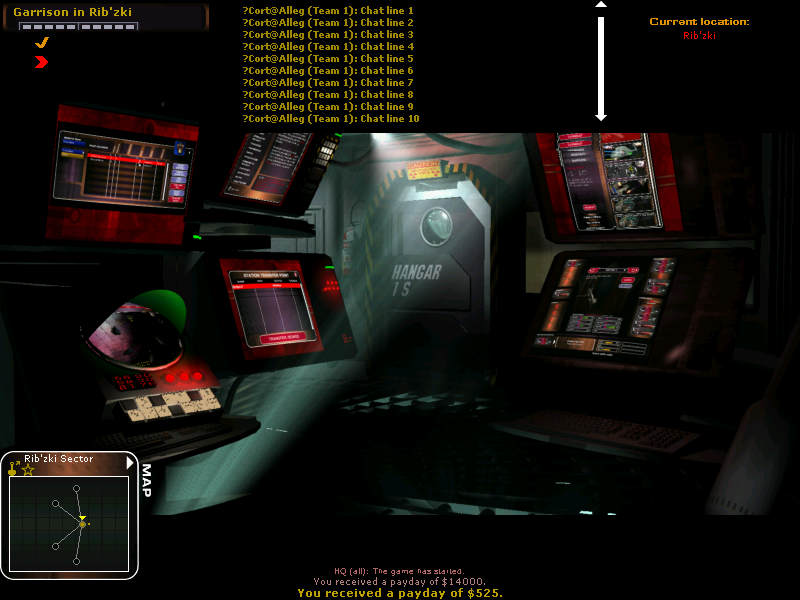
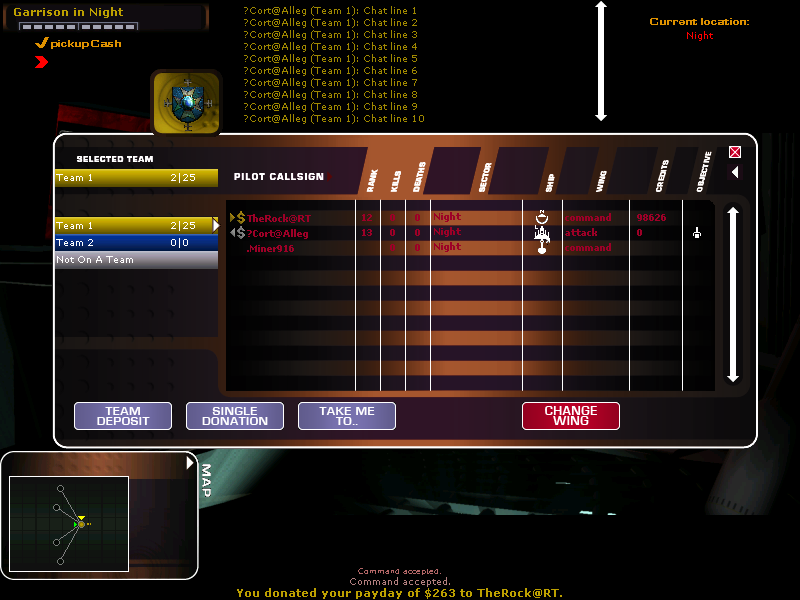
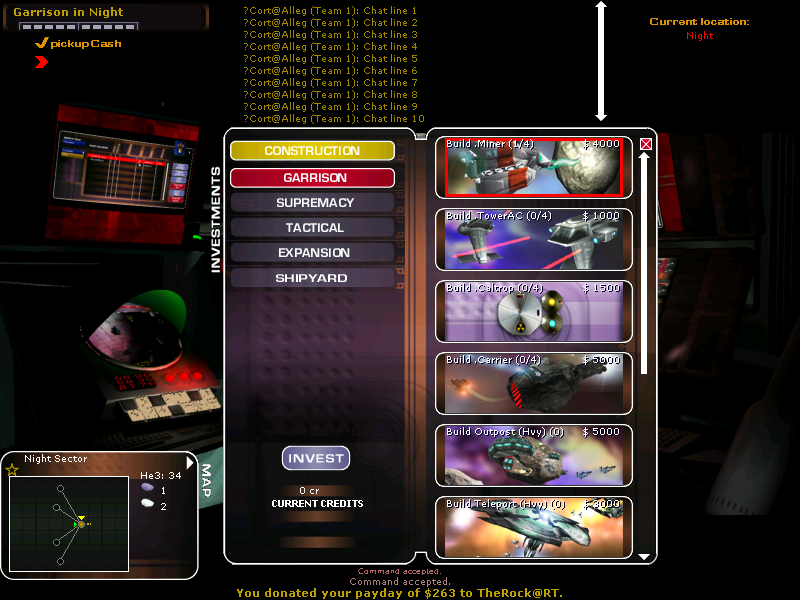
Map screen
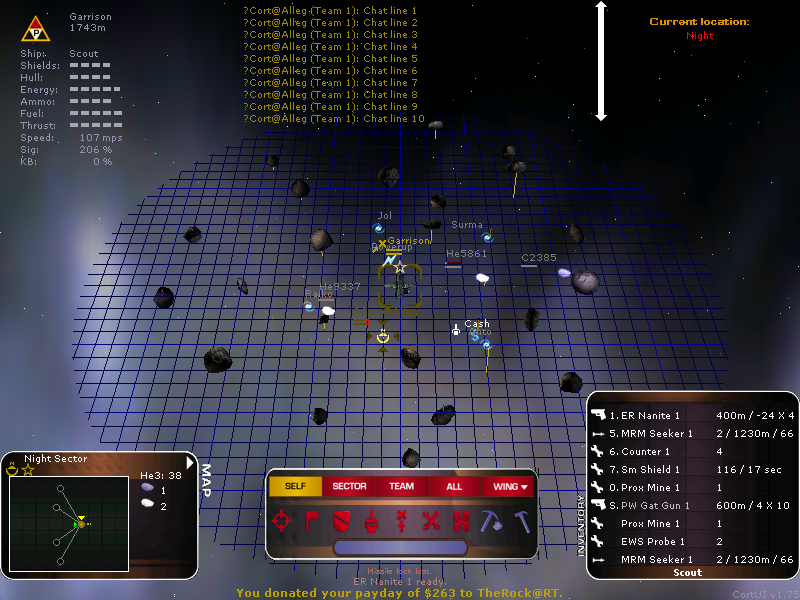
The map now always shows the loadout window. The command bar and the minimap have been moved to the side to make more room. In the upper left corner, the current state of your ship (type, shields, hull, energy, ammo, fuel, thrust, speed, signature, kill bonus), your current target (name, distance) and the current mode (autopilot, vector lock) are shown. It also shows whether you are seen and whether your cloak has been activated. If you are in turret, it also shows whose turret you are in.
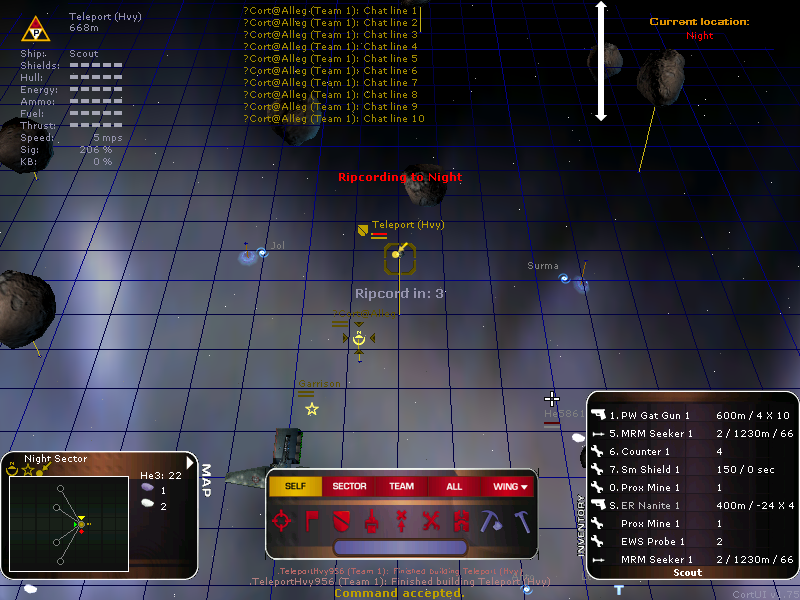
The ripcording timeout is show on the map as well.
Loadout screen
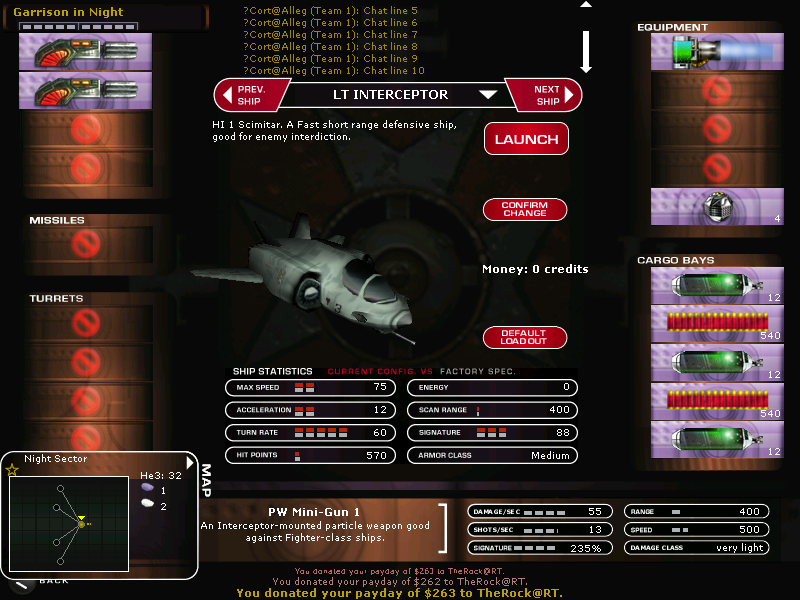
The loadout screen shows ten lines of chat and displays the minimap. The 'default loadout' button has been moved, because it is hardly ever used and was easily clicked by accident, when you wanted to actually confirm or launch.
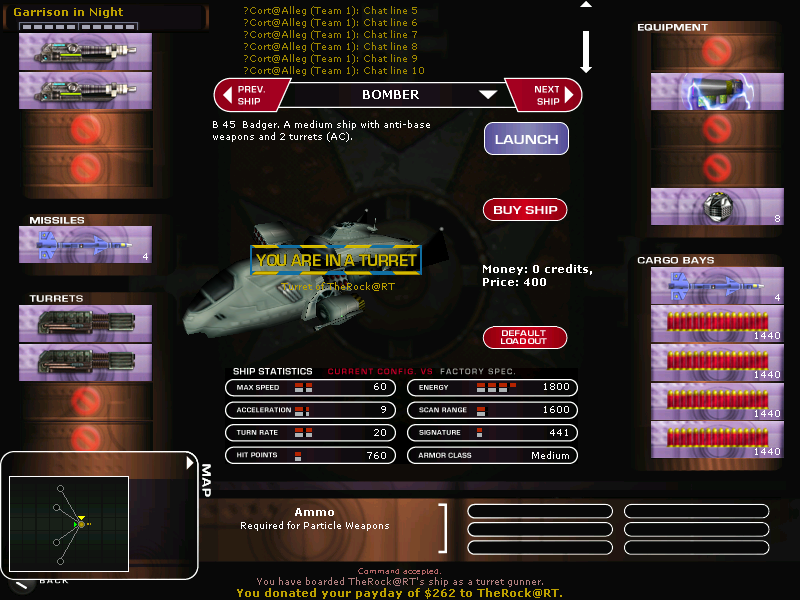
When in the turret of another ship, the loadout screen now informs you about that.
HUDs
The following HUDs can be selected inside the Allegiance client from the 'Graphics' -> 'Style' menu (or Esc, O, H). While in map mode, the bottom right corner will show the name of the currently selected HUD.
CortUI Classic
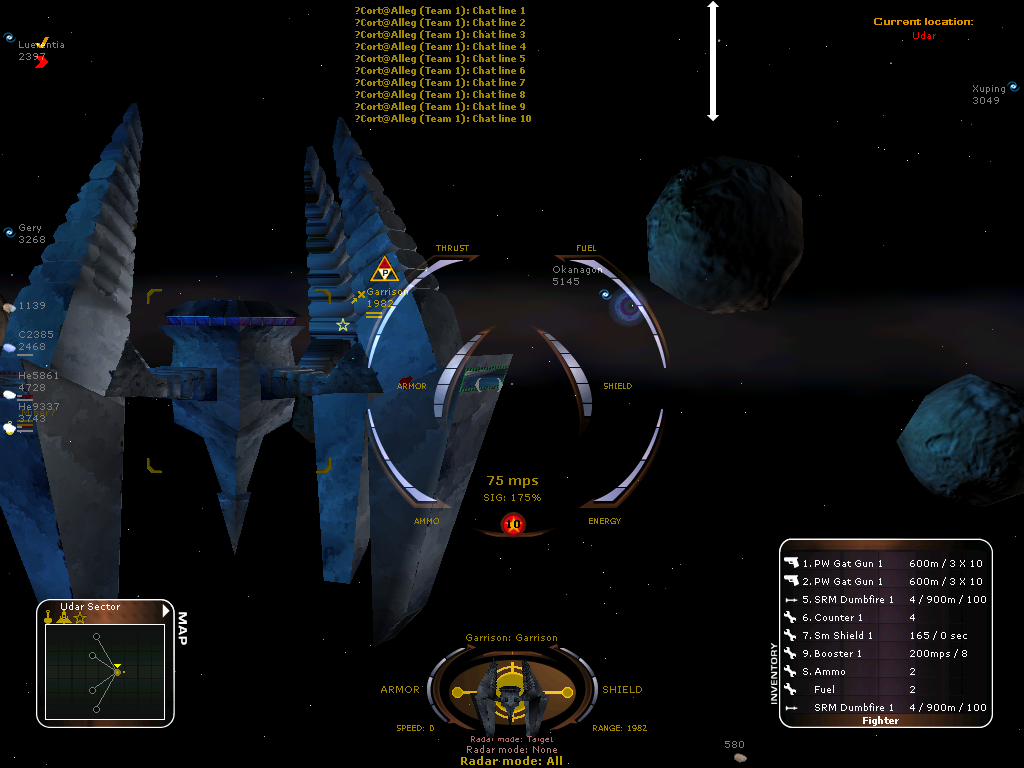
More Information about CortUI Classic can be found on the page HudCortuiClassic.
lessHUD
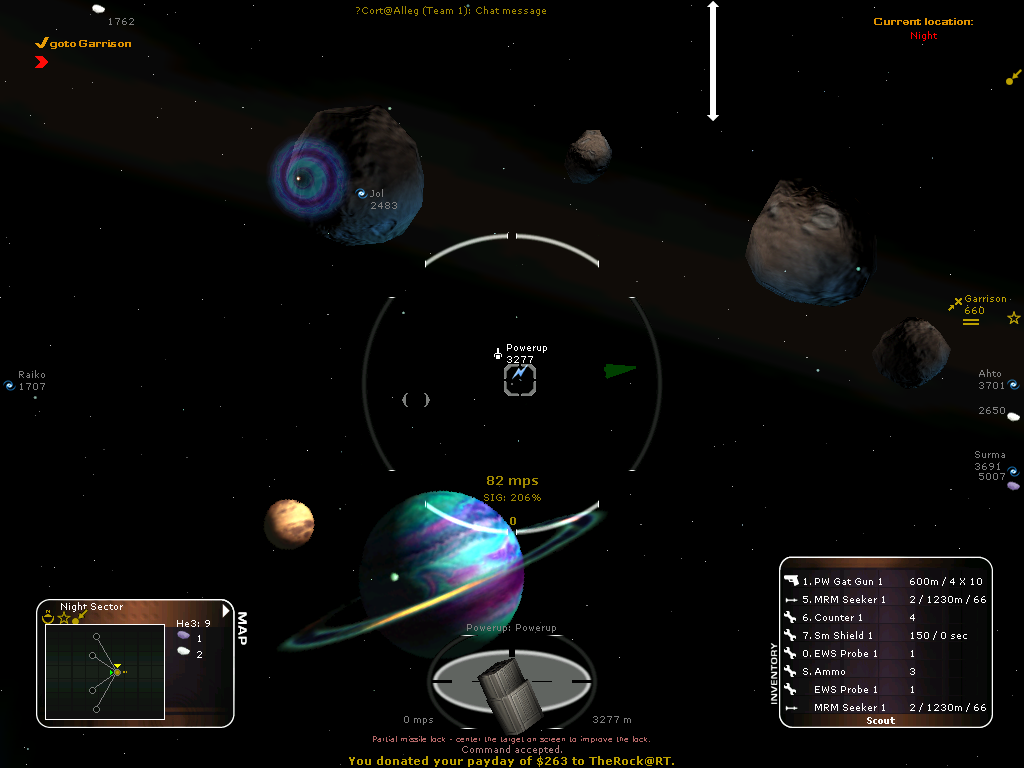
More Information about lessHUD can be found on the page HudLessHud.
JelloShot
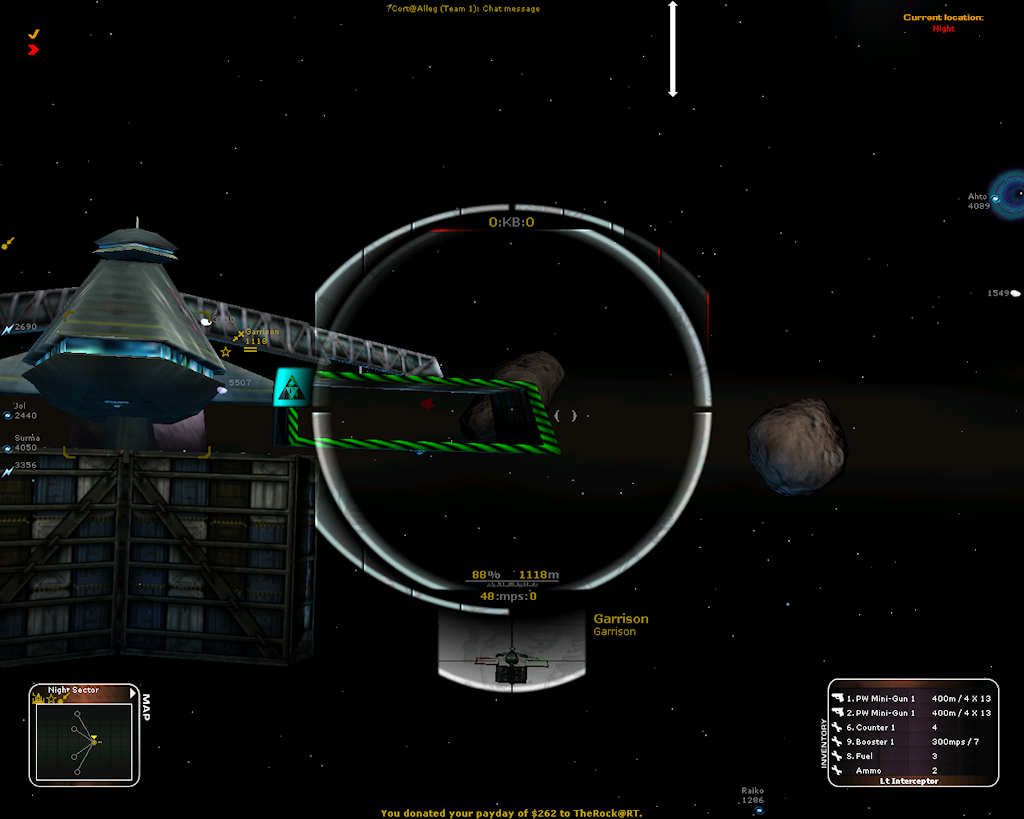
More Information about JelloShot can be found on the page HudJelloShot.
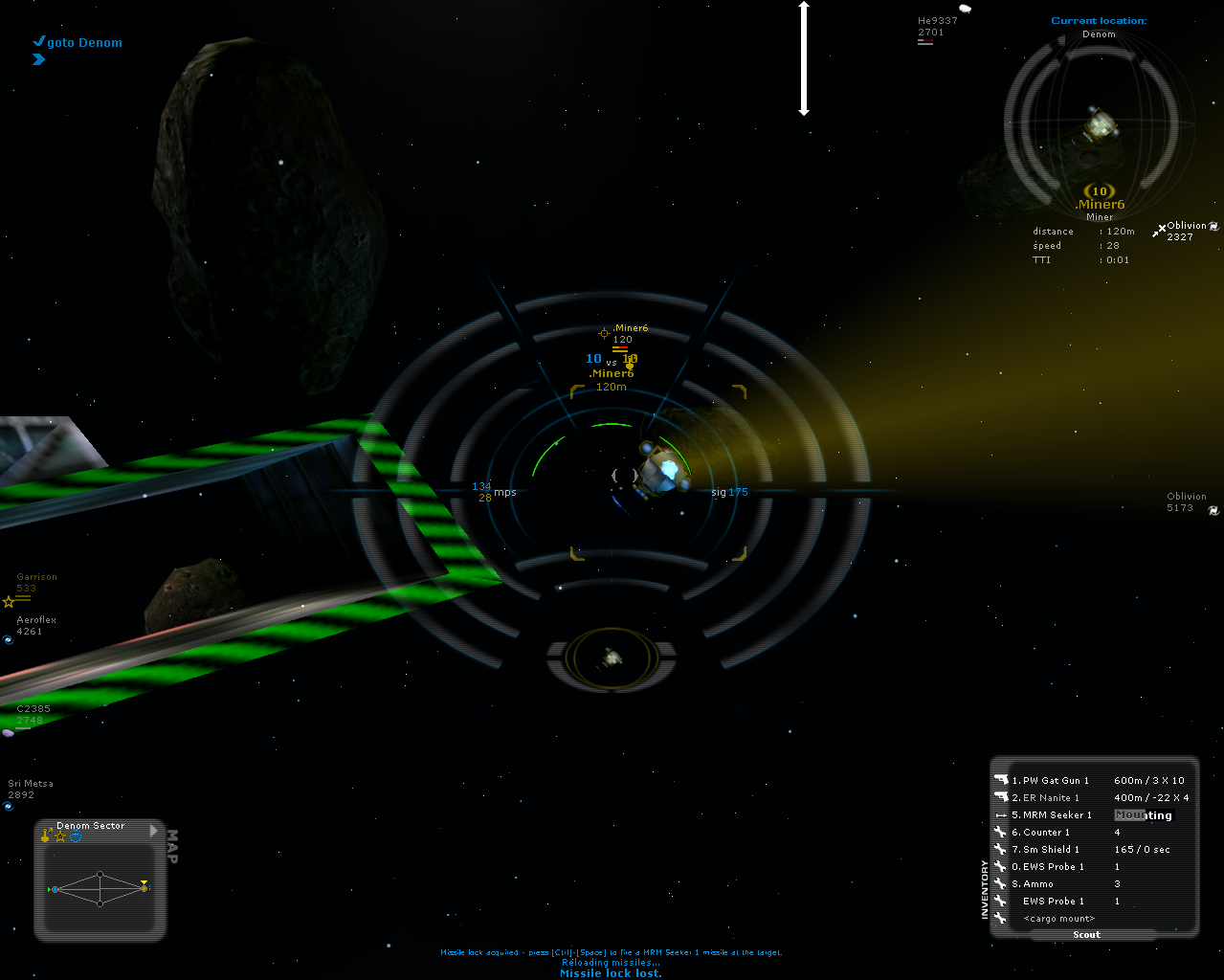
GlassHUD
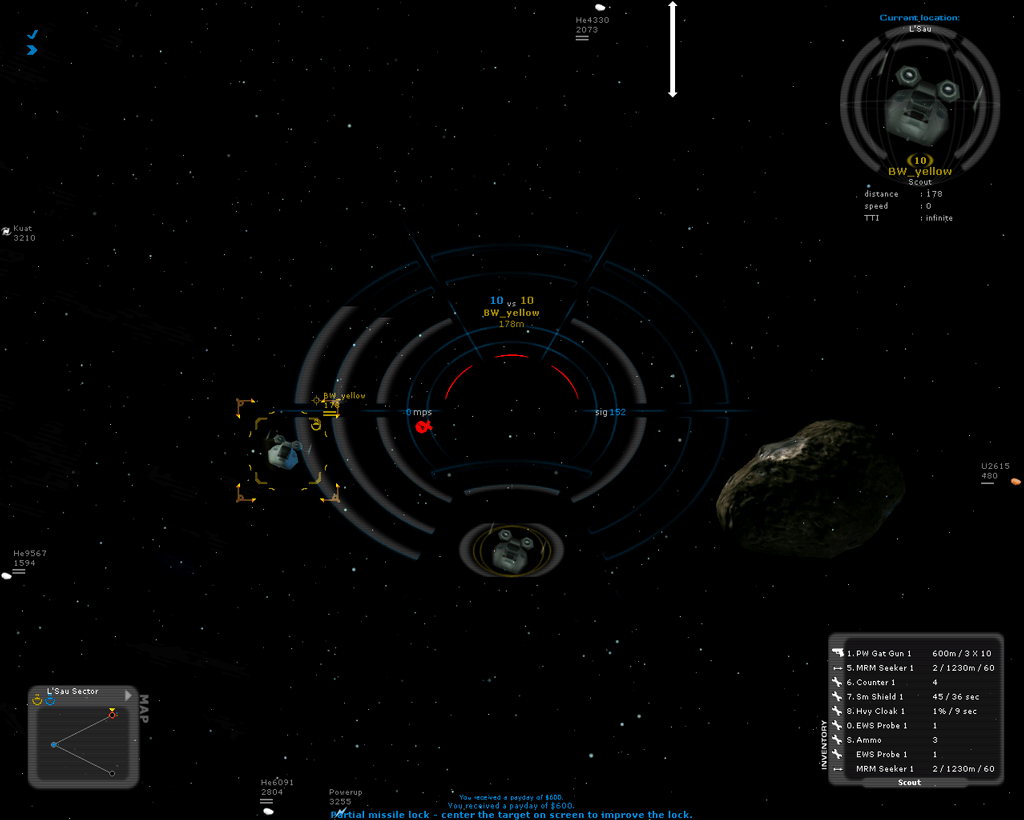
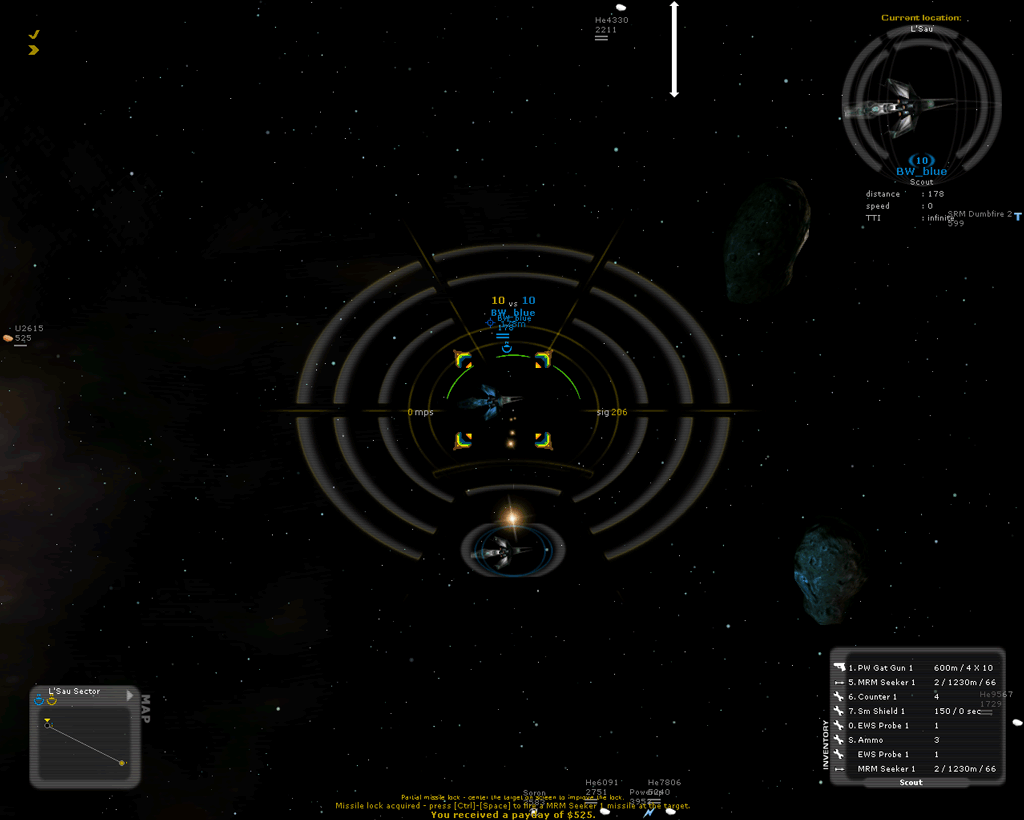
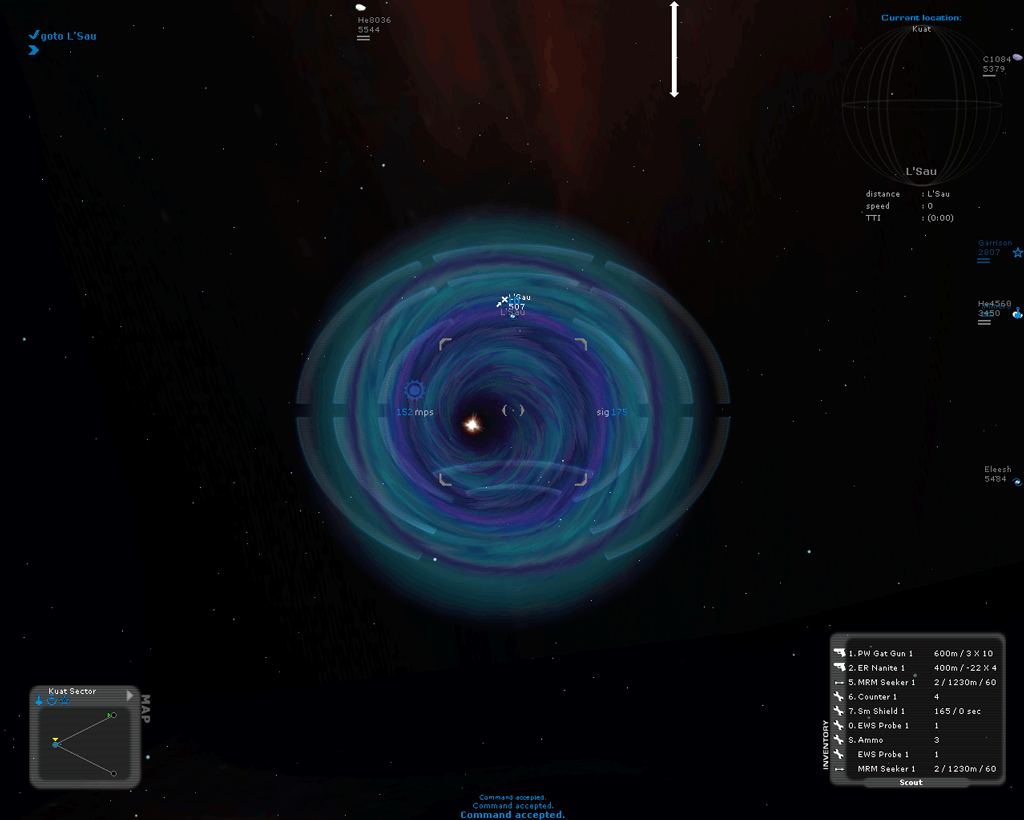
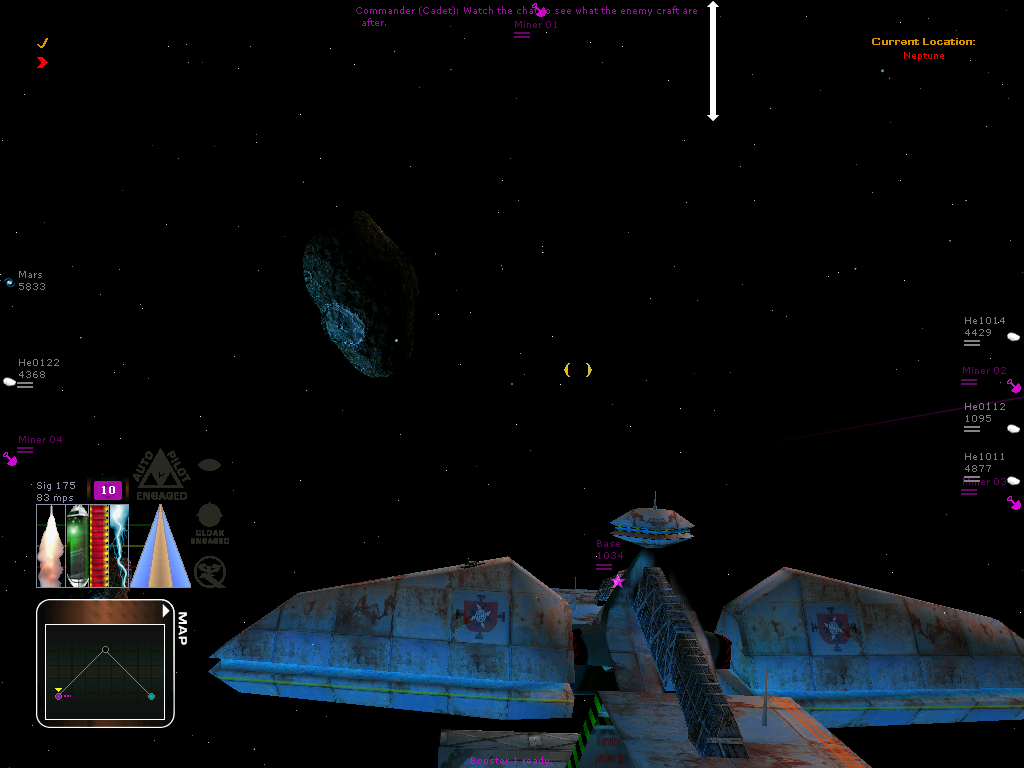
The GlassHUD's goal is to provide an a) Immersing HUD with b) optimal visibility. Rather than eliminating elements or reducing their size in order to reduce clutter, GlassHUD uses relatively large artwork that, the player has no trouble seeing right through. The GlassHUD also hopes to be an Immersing HUD, that attempts to enhance the sensation of being in the (fragile) cockpit of a space vessel - Hence the concept of circular Shield / Hull Gauges that disappear as their protection disappears, leaving the player with the sensation of flying 'naked'. The GlassHUD also emphasizes the distinction between being seen and hidden, as well as being cloaked.
More information can be found on Bunnywabbit's blog: The Red Pill and on the page GlassHUD.
Raveen's HUD
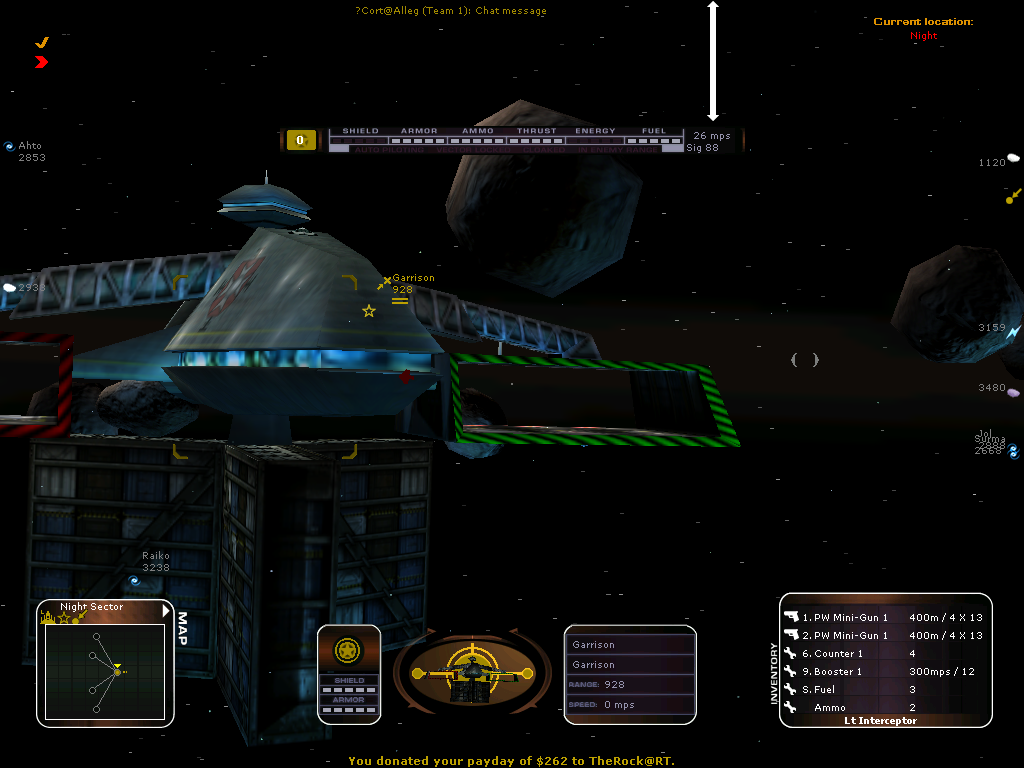
More Information about Raveen's HUD, can be found on the page HudRaveenStyle.
Parci's HUD
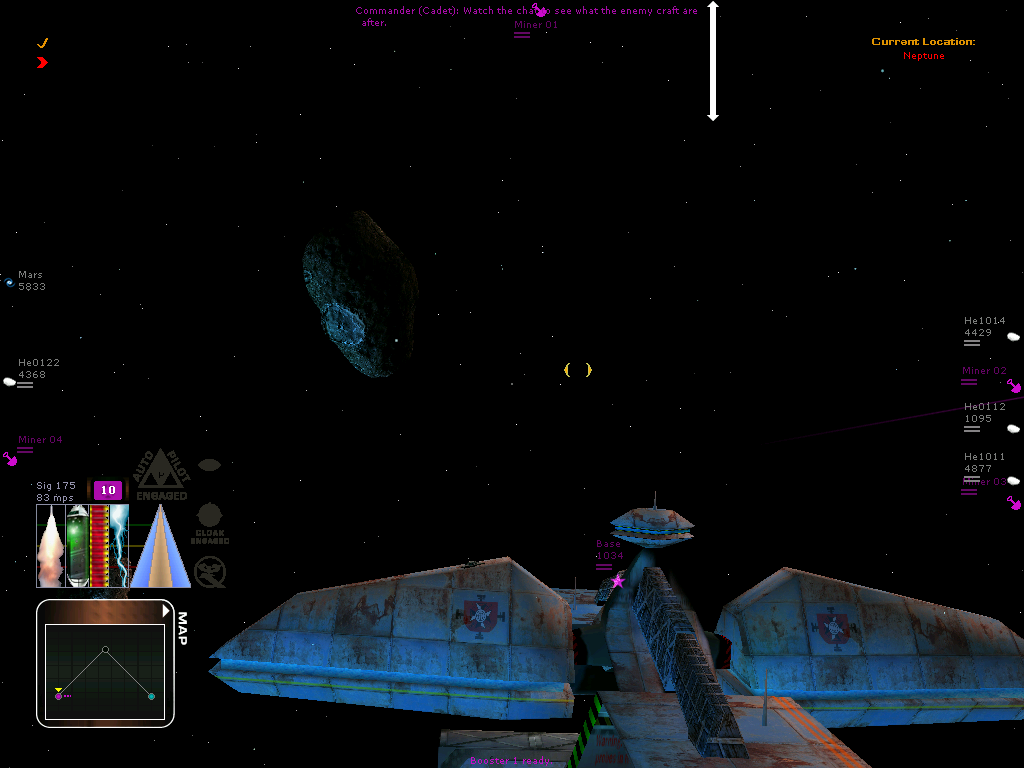
More Information about Parci's HUD, can be found on the page HudParciStyle.
Attachments (5)
- ParciHUD 1.png (189.7 KB) - added by 18 years ago.
- GlassHUD_demo_damaged.png (72.4 KB) - added by 15 years ago.
-
GlassHUD_demo_overall.png (86.4 KB) - added by 15 years ago.
GlassHUD demo overview
-
GlassHUD_demo_uneyed.png (124.7 KB) - added by 15 years ago.
uneyed blue team
-
ParciHUD_1.png (189.7 KB) - added by 15 years ago.
Screenshot of the Parci style Software HUD
Download all attachments as: .zip